Fulfill jobs with your printer
Apply to the reviewed network, then inspect each assigned job before accepting or declining it.
See how partner work is managedManaged 3D printing across supported areas in Egypt
Upload an STL, OBJ, or 3MF file for an instant estimate. Tashkeel manages partner fulfillment, quality review, and delivery to supported areas in Egypt.
Final pricing and delivery timing depend on the file, material, settings, and supported destination.
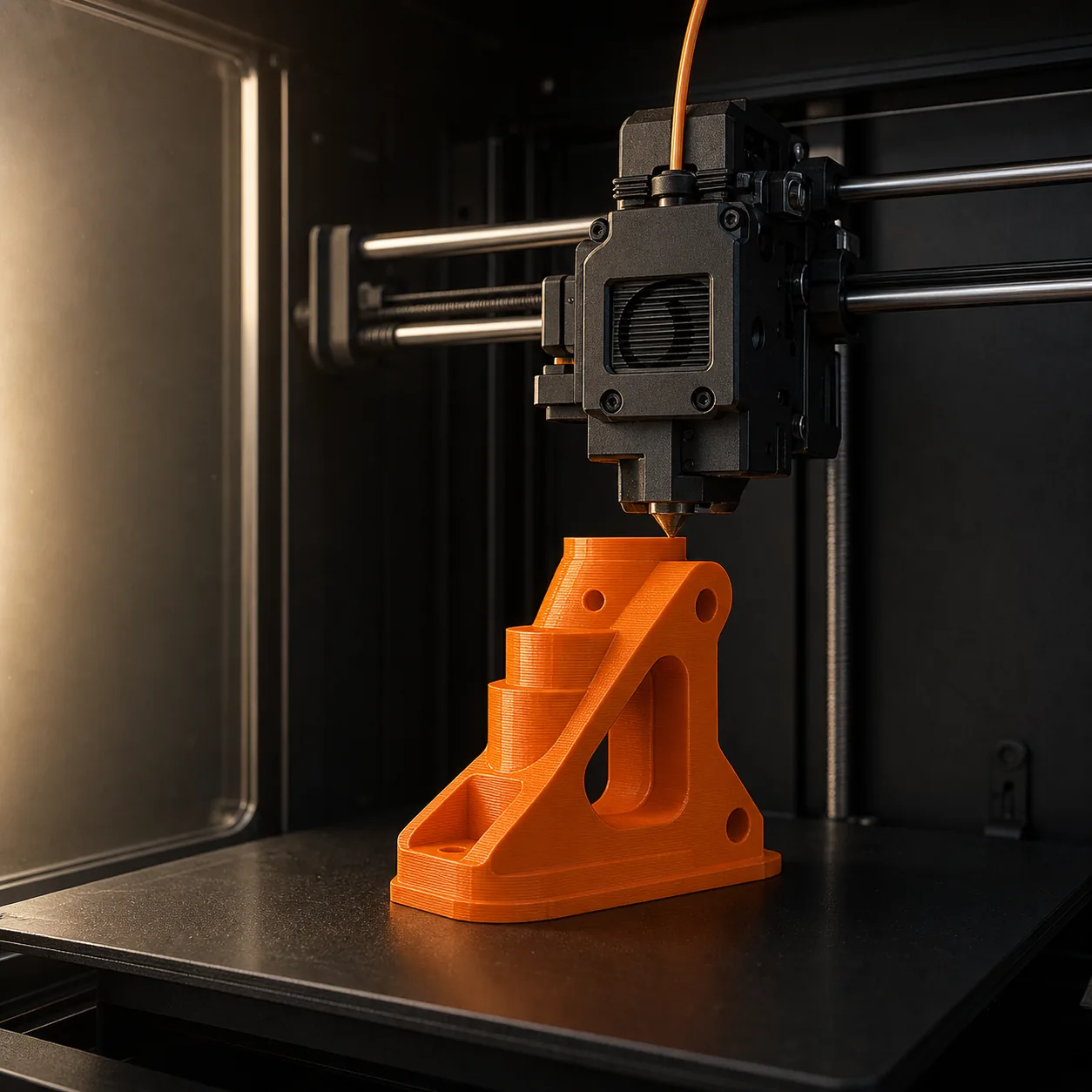
MODEL IN PRODUCTION
Managed print workflow
From model to delivery
Start with the model, review the available choices, then follow the order through the managed workflow.
Step 1
Add an STL, OBJ, or 3MF file and review the detected dimensions.
Step 2
Select from currently available material, color, quality, infill, and quantity options.
Step 3
Check the file-based estimate and order details before continuing to payment.
Step 4
Track assignment, production updates, review stages, and supported delivery progress.
What shapes the estimate
The estimation flow combines what the model requires with the options currently available in the platform.
Volume, dimensions, walls, and shape affect the print calculation.
Choose only from materials and colors active when the order is configured.
Quality, layer-related settings, and infill change production requirements.
Review the requested count before creating the order.
Supported delivery area and applicable shipping appear during checkout.
Managed fulfillment
The platform connects the approved order with a reviewed printer owner and keeps the production stages visible in one workflow.
Private files and order information remain within authenticated, permission-based flows.
An approved partner receives the relevant order specifications.
The assigned partner may accept or reject the work after reviewing it.
Status updates and progress images support the production workflow.
The order advances through the configured review and supported delivery stages.
More ways to use Tashkeel
Custom printing stays primary, with dedicated routes for printer owners and marketplace products.
Apply to the reviewed network, then inspect each assigned job before accepting or declining it.
See how partner work is managedBrowse approved products, or start a seller application with marketplace intent preserved.
Built around visible rules
Tashkeel publishes the applicable service, privacy, ownership, and order terms without adding unsupported guarantees.
Practical answers
The essentials to review before uploading a model.
Read the Terms of ServiceThe tool analyzes the uploaded model and combines its geometry with the selected active material, print settings, quantity, and applicable delivery inputs.
The current order tool accepts STL, OBJ, and 3MF model files, subject to the configured upload limit.
It is a file-based estimate for review. Final pricing depends on the submitted model, selected options, review stage, and supported destination.
The workflow supports partner assignment, acceptance or rejection, status updates, progress images, managed review, and delivery stages.
Authentication and database permissions restrict access to private order flows. Review the privacy and intellectual-property policies for the applicable rules.
Your model is the starting point
Start with an STL, OBJ, or 3MF file and review the available settings before creating an order.